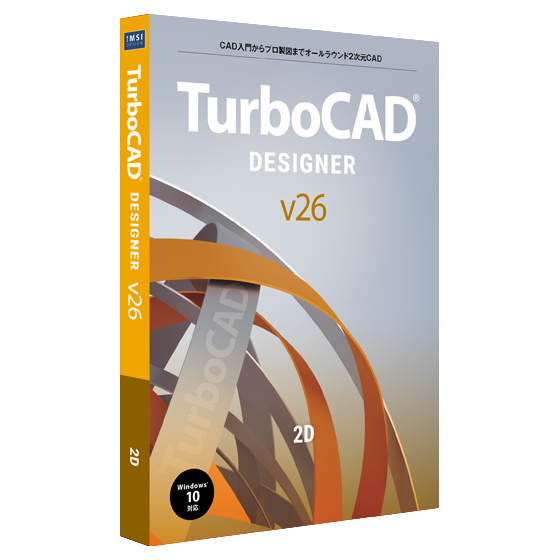
TurboCAD v26 Designer 日本語版
¥21780¥19780
TurboCAD Designer — エントリーレベルの2D CADソフトウェア
TurboCAD Designerは、初心者に最適な2D CAD製図ツールです。CADを使い始めたばかりの方や、高度な3D機能の複雑さを避け、シンプルな製図ワークフローを求める方にとって、高精度な設計を手軽に、そして手頃な価格で実現できるよう設計されています。スムーズな学習曲線と実用的なツールを備え、コンピュータ支援設計(CAD)の入門に最適です。
対象者
CAD初心者の方
製図を学ぶ学生の方
趣味で作業する方やDIYデザイナーの方
基本的なCADワークフローを必要とする中小企業のオーナーの方
TurboCAD Designerは、複雑な機能に煩わされることなく、基本的なCAD機能を提供するため、基本的な製図作業に最適です。
コア機能
直感的なUIと高速パフォーマンス
柔軟なユーザーインターフェース
セットアップウィザード
寸法ツール
点とパスの選択、ハッチング、ビットマップ塗りつぶし、透明化
ハンドルベースの編集
TurboCAD Designer を選ぶ理由
✅ 手頃な価格で使いやすく、初めてCADを購入する方に最適です。
✅ ウィザード、チュートリアル、状況に応じたヘルプ機能により、生産性を向上できます。
✅ 必須の精密ツールと注釈機能を備えた、確かな製図の基礎を習得できます。
✅ 業界標準のファイル形式により、様々な業界に対応しています。
2D描画および編集ツールTurboCAD® Designer には、線分、円弧、曲線、スプライン ツールの包括的なセットが用意されており、あらゆる製図タスクに適切なツールが確実に提供されます。 | 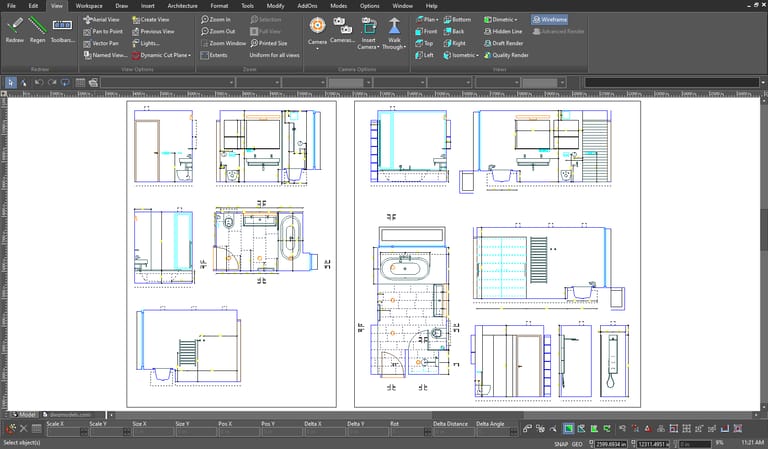 |
|---|---|
自動スケーリングと回転ツール簡単にスケーリングや回転ができる直感的なサイド ハンドルを使用して、2D/3D シェイプを変更および検査します。 | 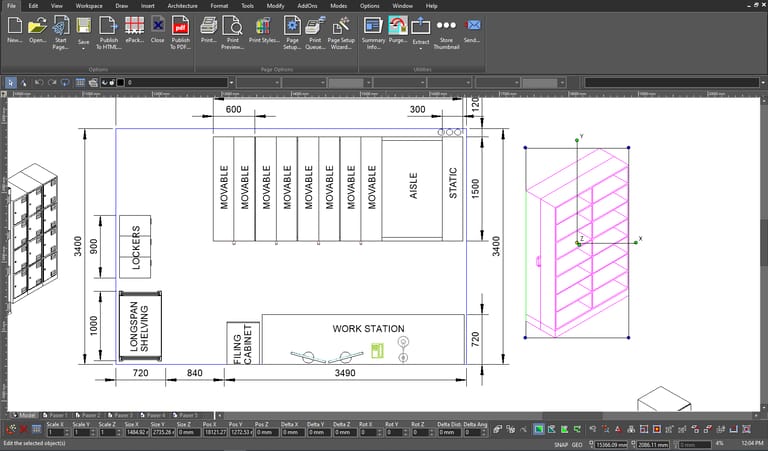 |
スマート寸法ツール平行、直交、回転、自動寸法オプションなどのスマート寸法ツールを使用して正確な測定を実現し、寸法をヤード・ポンド法またはメートル法の単位で表示して最大限の柔軟性を実現します。 | 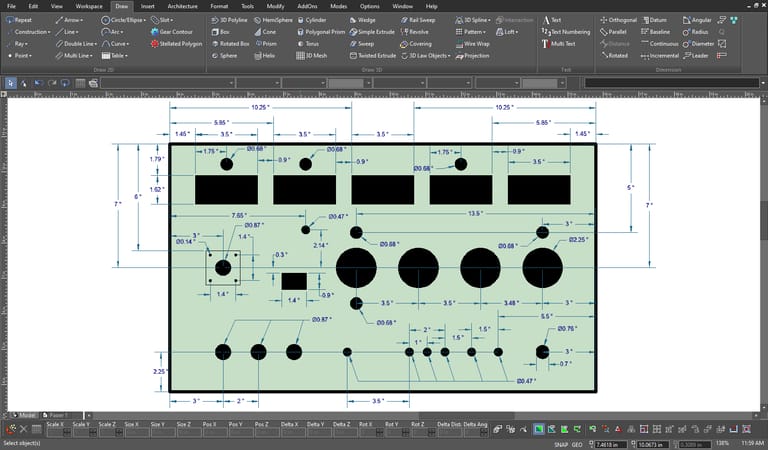 |
レイヤ管理従来の製図オーバーレイのように機能しながらも、よりスマートなデジタル機能を備えた複数の独立したレイヤーを操作して、効率的な整理と制御を可能にします。 | 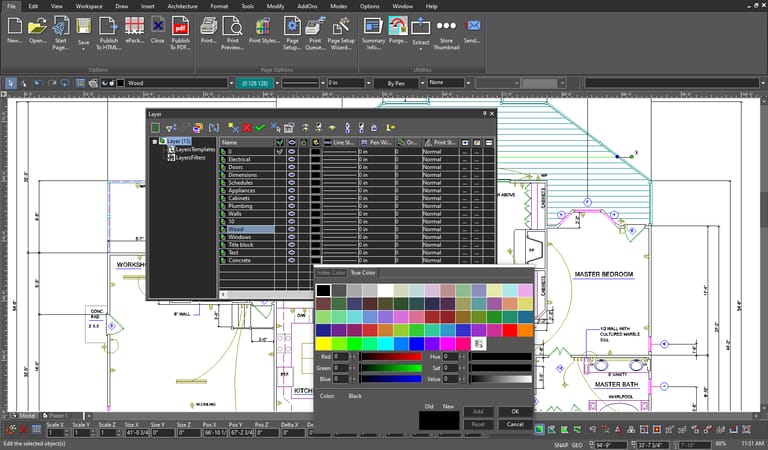 |
|---|---|
カスタム UI と環境設定ツールバー、ポップアップ、パレット、コマンド設定を調整してワークスペースをカスタマイズし、ワークフローを最適化して貴重な時間を節約します。 | 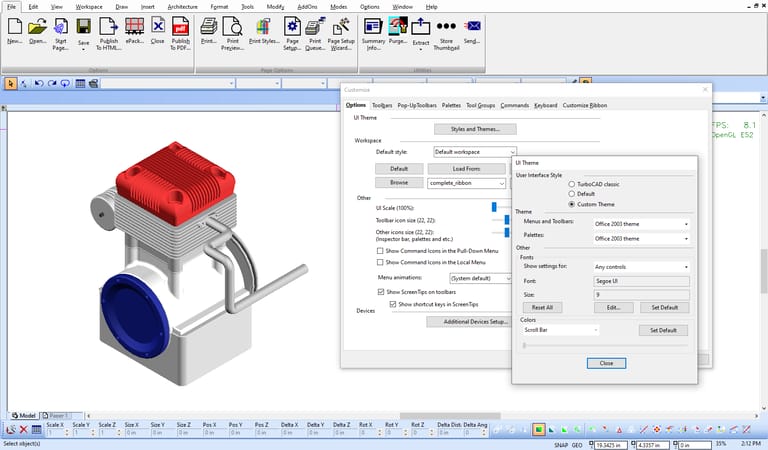 |
ハンドルベースの編集 | ハンドルベースの編集でプロジェクトを調整および視覚化します。押したままドラッグするだけで調整が簡単になり、すばやく変更できます。 |
動作環境
64ビット
OS: 日本語版 Microsoft Windows 11、Windows 10、Microsoft Windows 7
RAM: 8GB以上
モニター: 1024 x 768 / High Color (16ビット) 以上
その他: DVD-ROMドライブ、Intelli Mouse